
1. Navigate to https://data.georgiaumc.org and log in.
2. From the Main Index, choose "Advisory Reports"
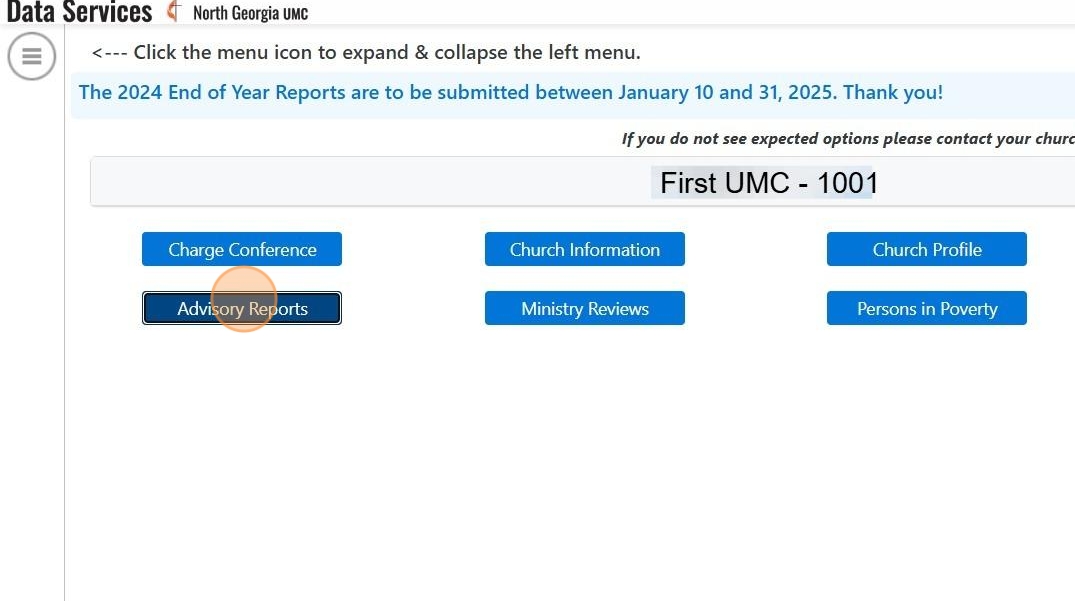
3. Click the drop down menu.

4. Click on Your Pastor

5. Click "New Report"

6. While working on a Ministry Review or Advisory Report, it is a best practice to click save about every 10 minutes until ready to submit.
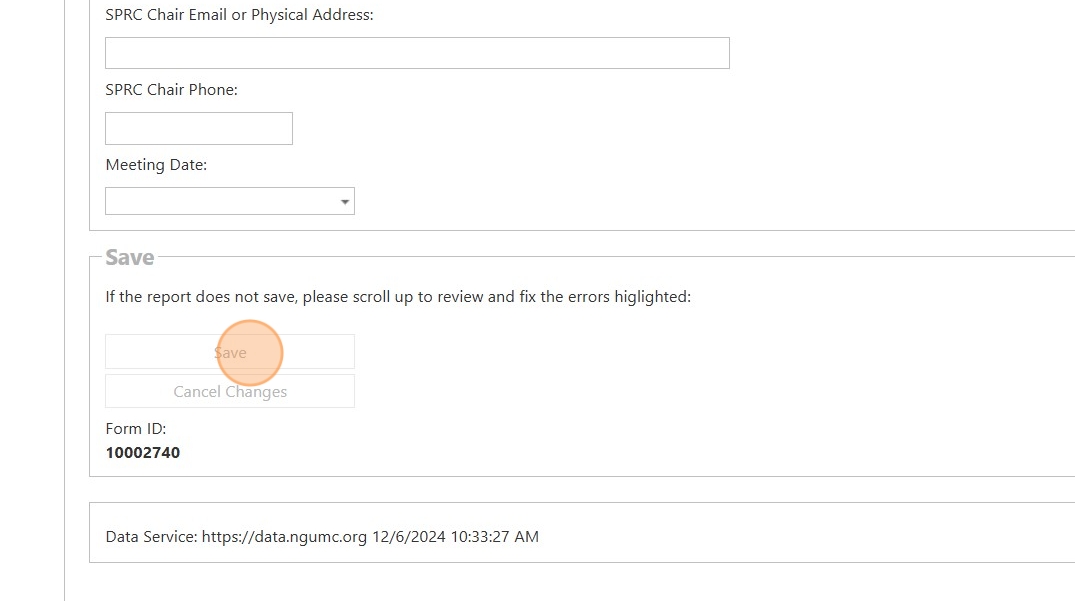
7. Once the review or report is ready to submit, answer "Yes" to this question.

8. After answering yes, click "Save" to submit the report.

9. Once done with the Advisory Report, click "Main Index" to return to the Church Dashboard.

10. Click "Ministry Reviews"

11. Click the drop down menu.

12. Click on your pastor.

13. Click "New Review"

14. While working on a Ministry Review or Advisory Report, it is a best practice to click save about every 10 minutes until ready to submit.
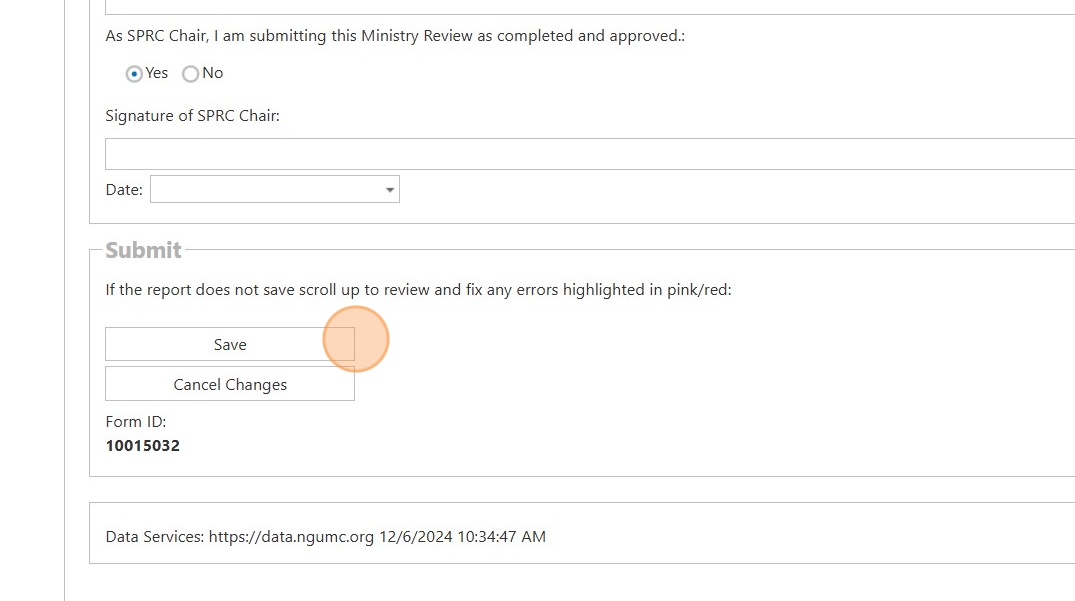
15. Once the review or report is ready to submit, answer "Yes" to this question.

16. Click here to submit the report.

Comments
0 comments
Please sign in to leave a comment.