
1. Navigate to data.georgiaumc.org
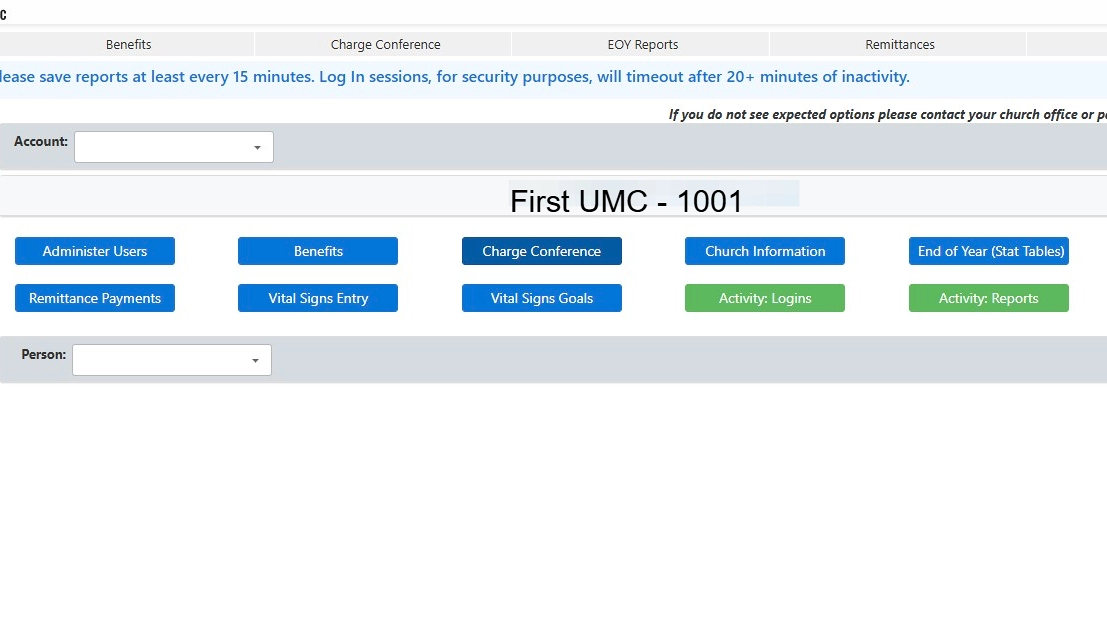
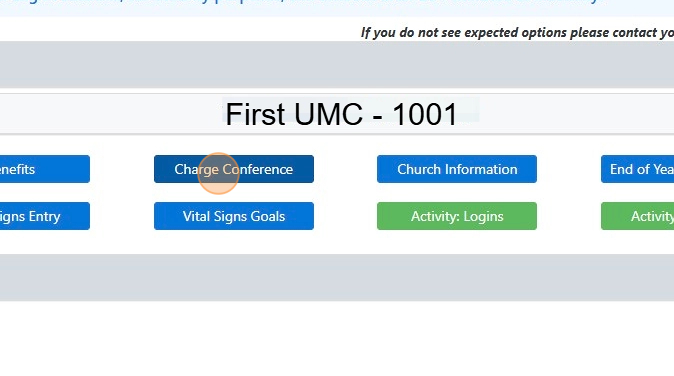
2. Click the "Charge Conference" button.
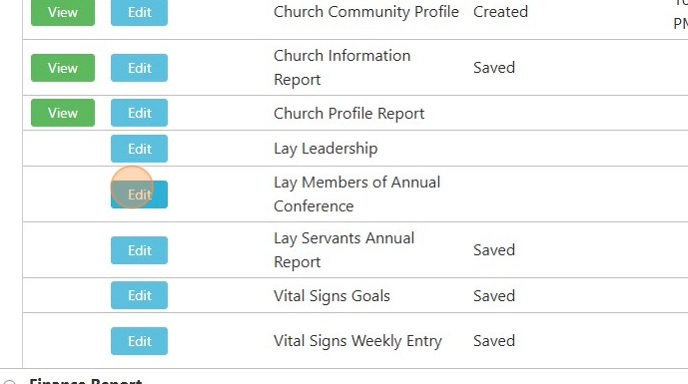
3. Click "Edit" next to Lay Members of Annual Conference
4. Search for the Lay Person designated for a leadership role update.

5. Click the arrow next to the person you are updating.

6. Click "New"
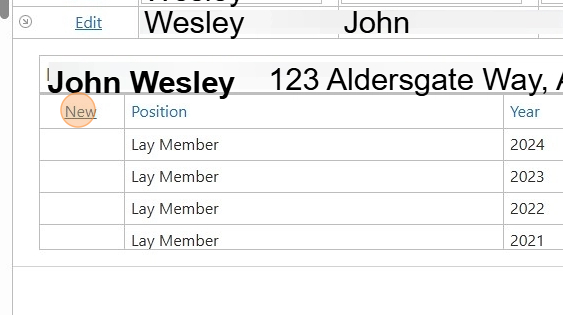
7. Use the "Position" Drop Down.

8. Click "Lay Member"

9. Click "Update"

Comments
0 comments
Please sign in to leave a comment.