
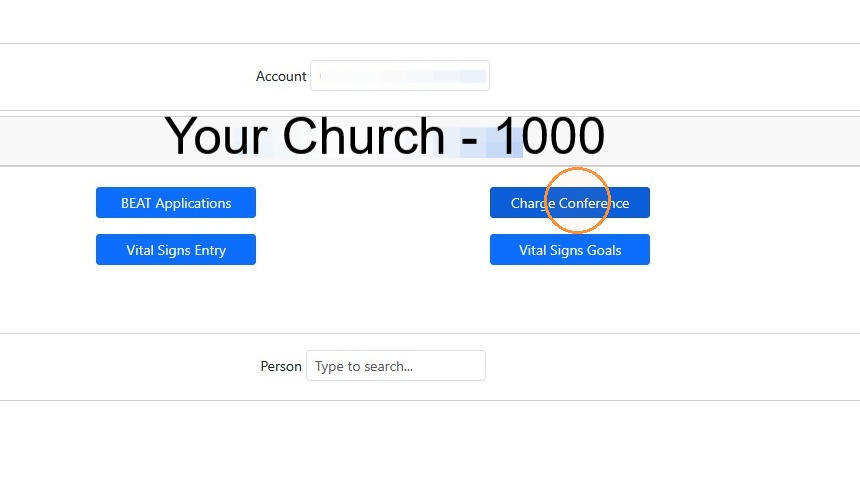
1. Log into Data Services & Click the blue "Charge Conference" button
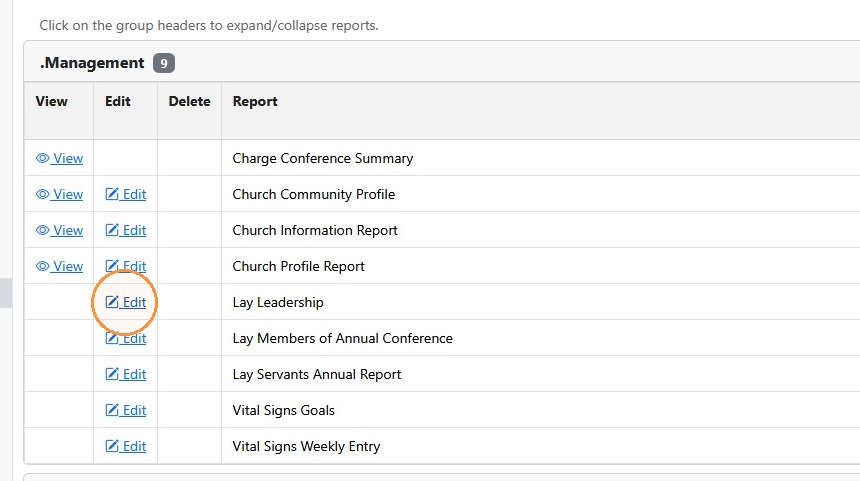
2. Scroll down and click the "Edit" button next to Lay Leadership
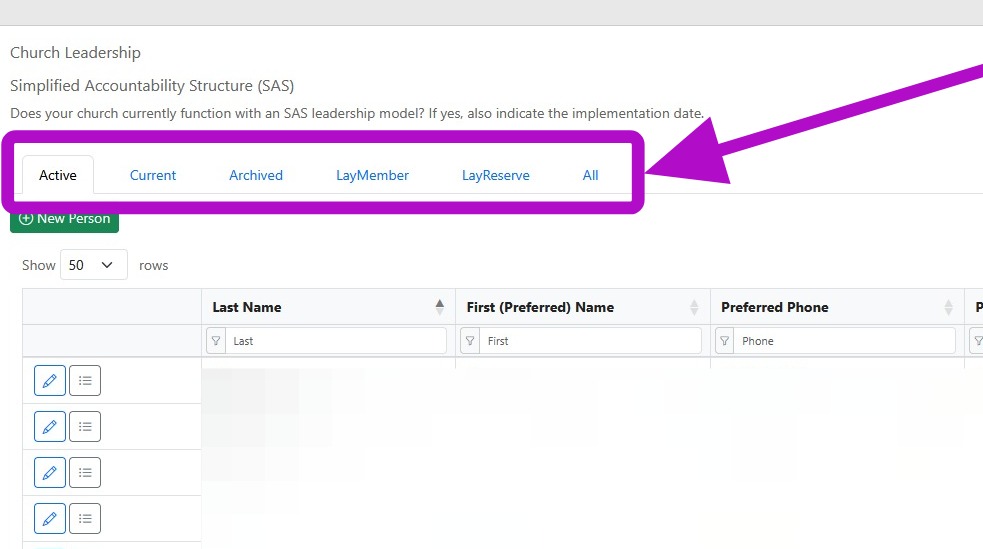
3. The tabs present the following information:
Active: Shows the lay members who are considered active at the church regardless of current position.
Current: Shows the lay leaders serving in the current year in any position assigned to them.
Archived: We do not delete lay leadership data to keep a historical record, but if a lay person is no longer active at a given church, they may be archived.
LayMember: Shows the current listed lay delegate(s) to Annual Conference.
LayReserve: Shows the current listed lay reserve delegate(s) to Annual Conference.
All: Shows all leadership data including the archived lay members.
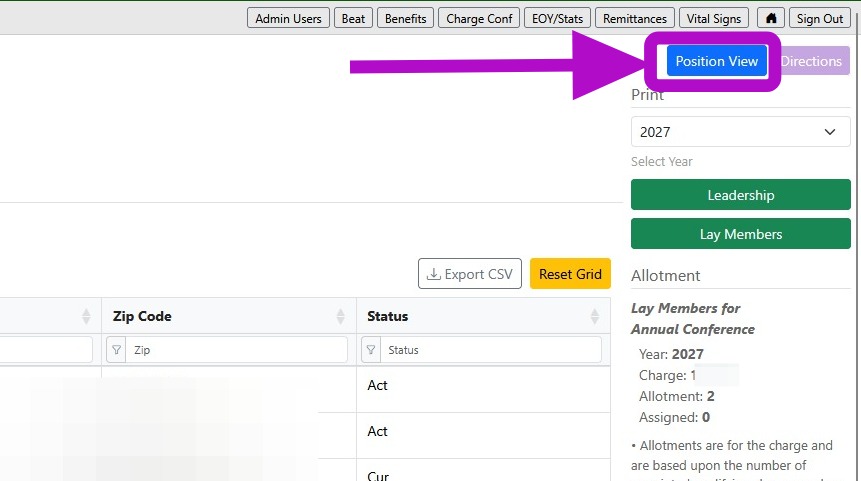
4. The Position View button in the top right corner reorganizes the table to show all the lay leaders by virtue of their position. You can filter by position in that view to show all of the Lay Leaders over several years or by a certain year.
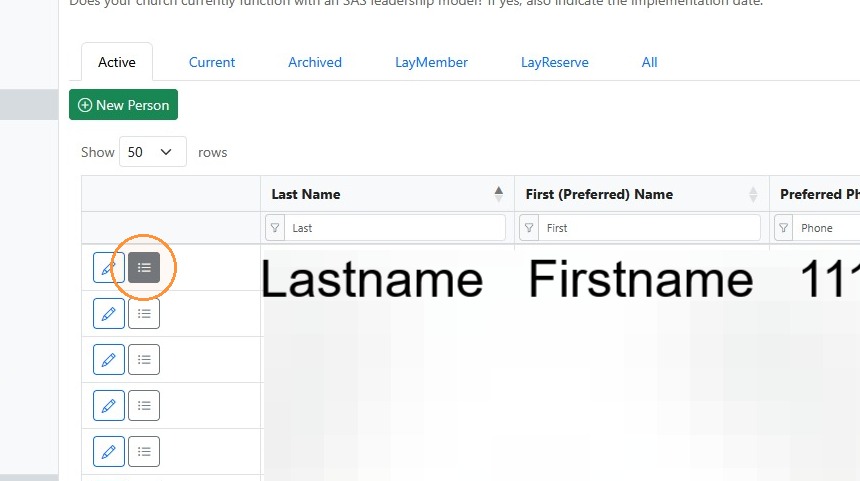
5. Click the bullet point list icon next to the person whose record you wish to update.
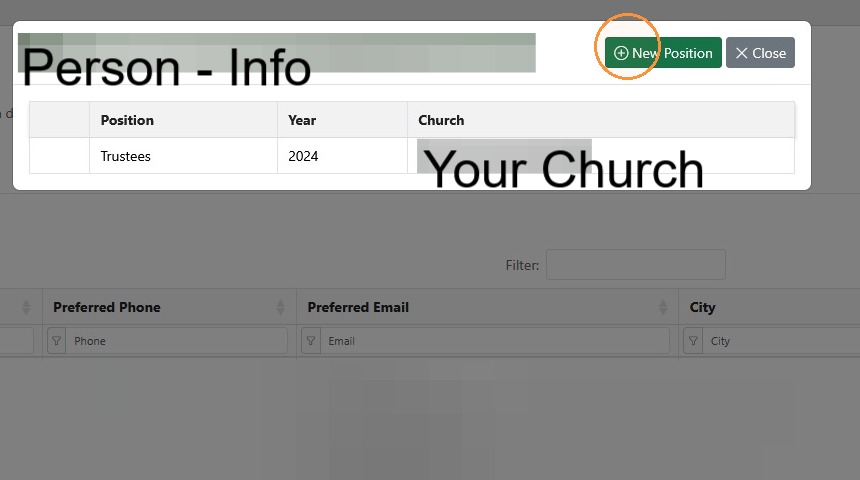
6. Click "New Position" to add a new position.
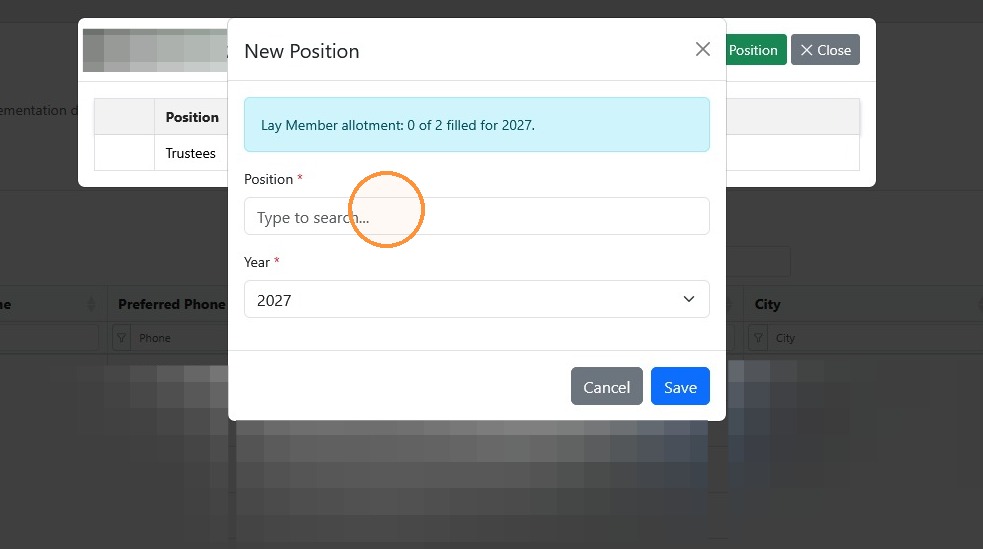
7. Click "Type to search..." to find the position you'd like to add. Then choose the appropriate year that the person will serve. If the person is serving in a class, you will need to add a position for each year.
For Example: If a person is serving a three-year term as a trustee in the Trustee's Class of 2029, you will need to add the Trustee position for 2027, 2028, and 2029.
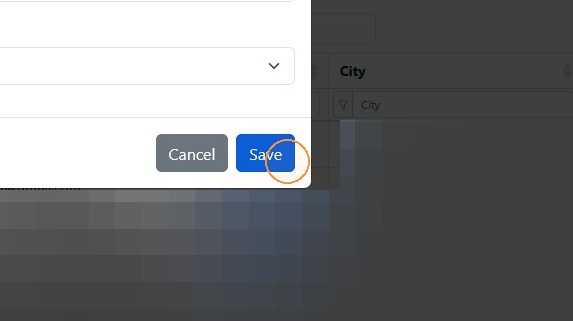
8. Click "Save" to add the position.
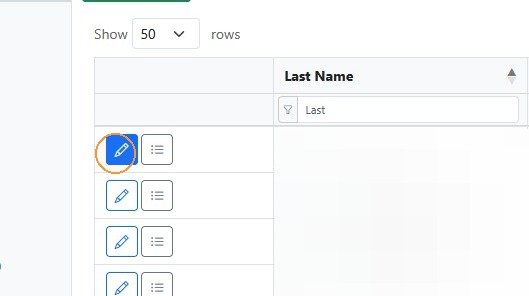
9. To remove a person from your Active Leadership List, you may "Archive" them. Click the pencil next to the person you would like to "Archive".
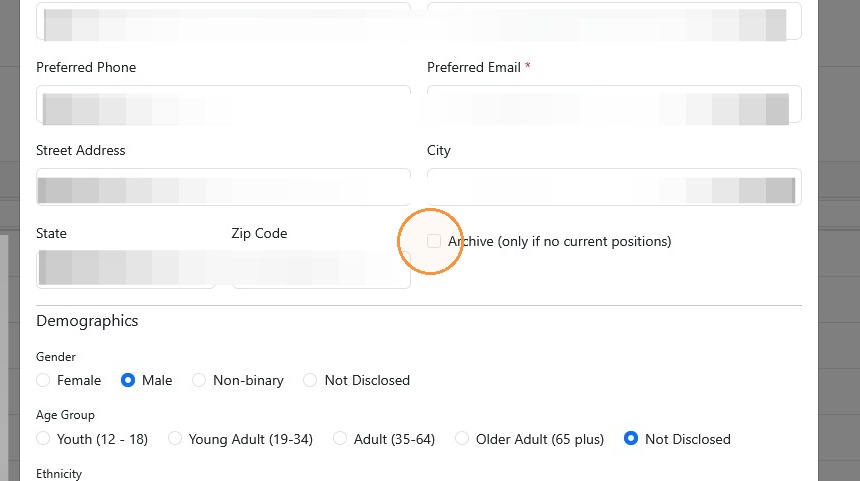
10. Check the box next to "Archive"
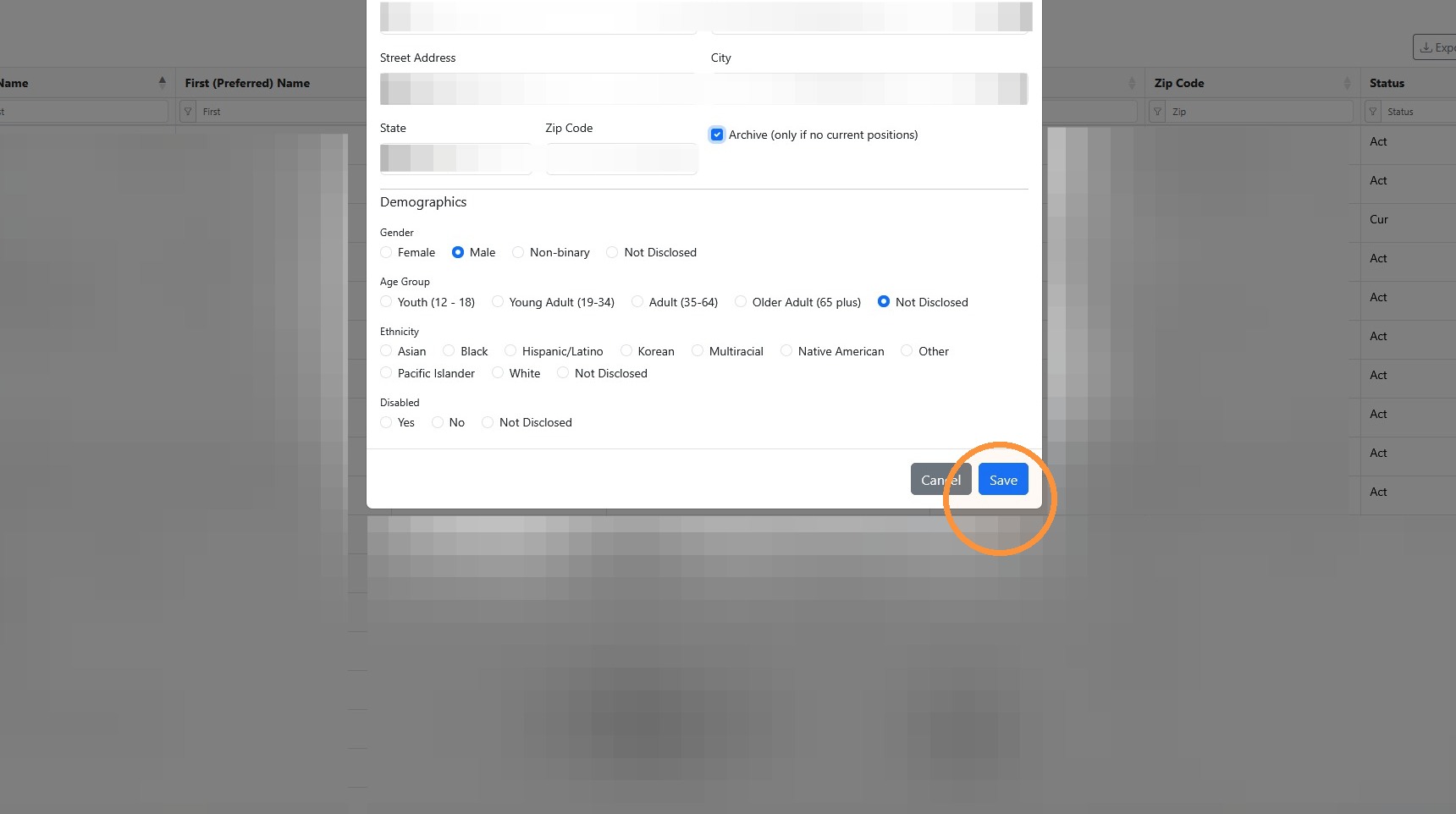
11. Click "Save"
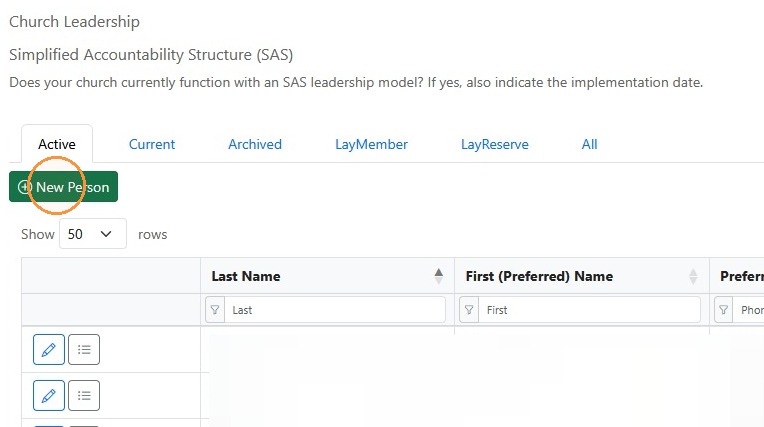
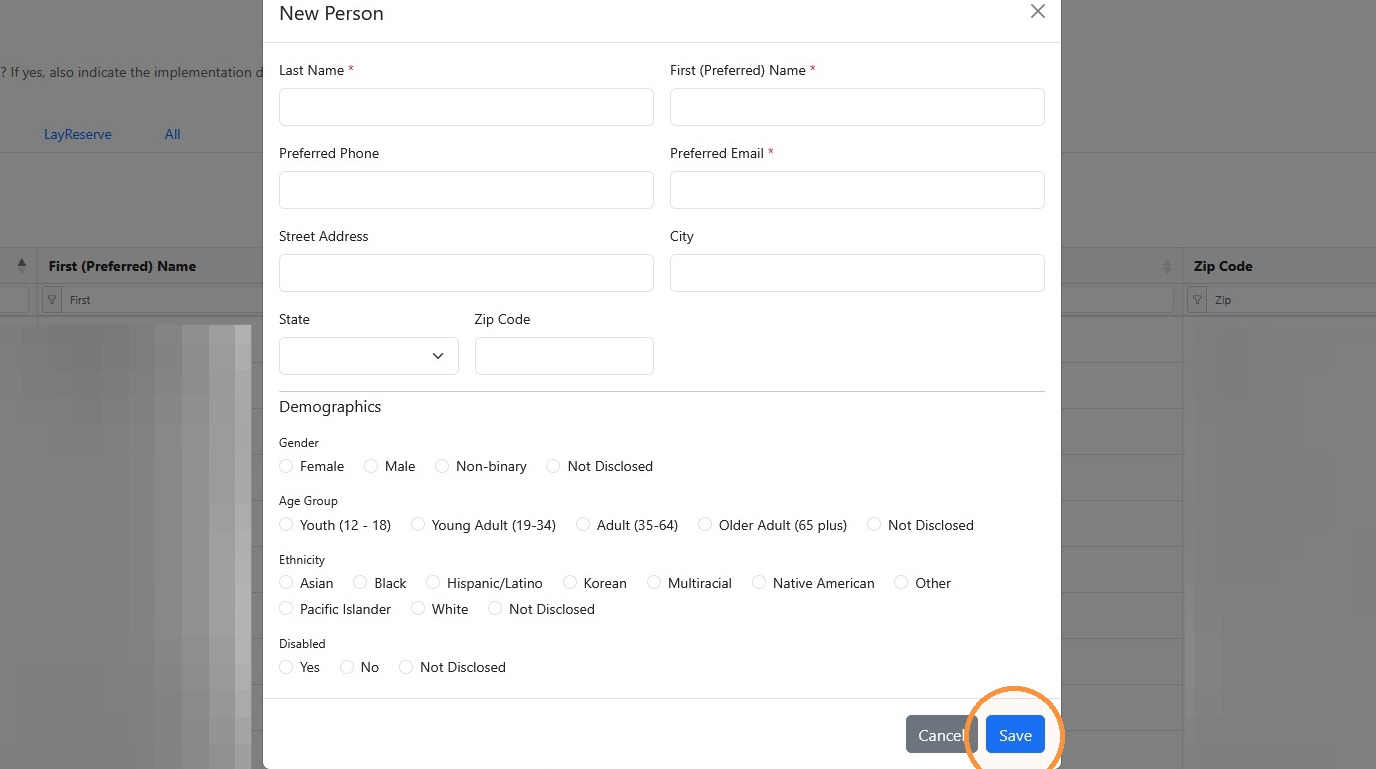
12. Click "New Person" to add a new person.
13. Be sure to complete all the required fields and click "Save"
Comments
0 comments
Article is closed for comments.