
1. Navigate to https://www.sgaumc.org/
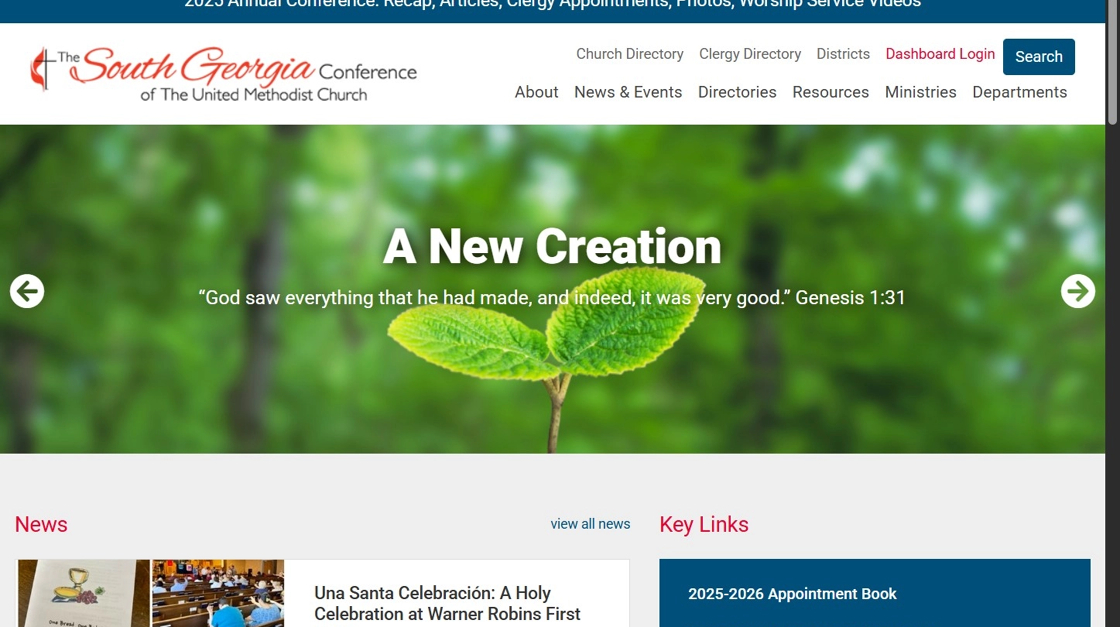
2. Click "Dashboard Login"

3. Click "Login now" under Data Services.
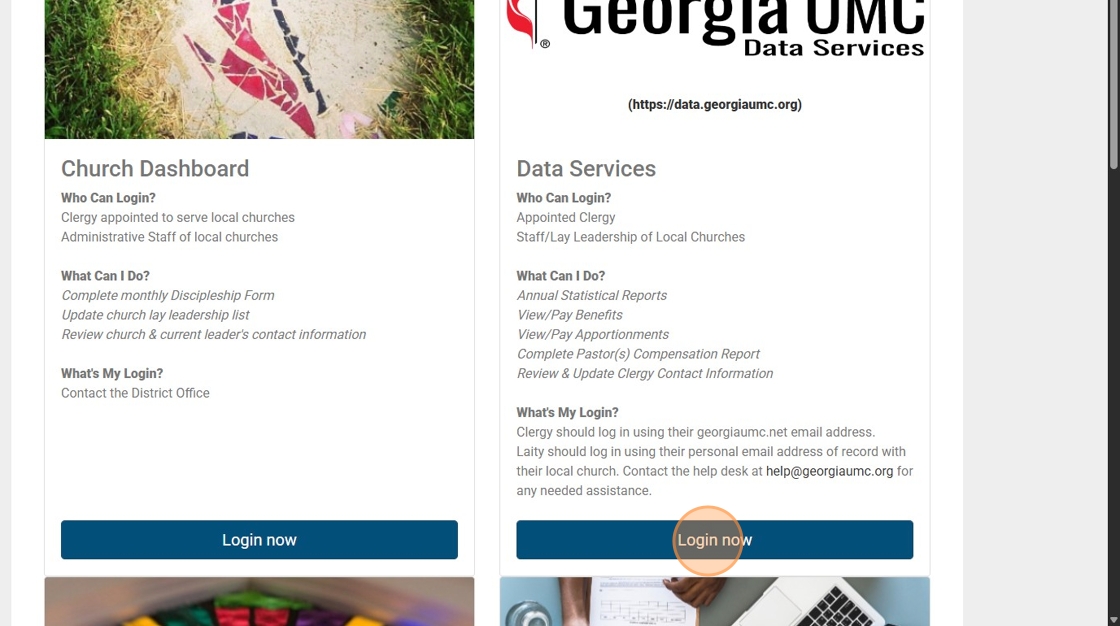
4. Your username will be your georgiaumc.net email address. Clergy must use the georgiaumc.net address to access their personal information and church information. Accounts with any other email address are considered "lay accounts" and are not permitted to access these clergy reports. Contact help@georgiaumc.org if you need assistance accessing your georgiaumc.net email address or your Data Services account.

5. Click the dropdown arrow to begin creating/editing reports.

6. Click "Clergy Info Report: Profile (new/edit)"
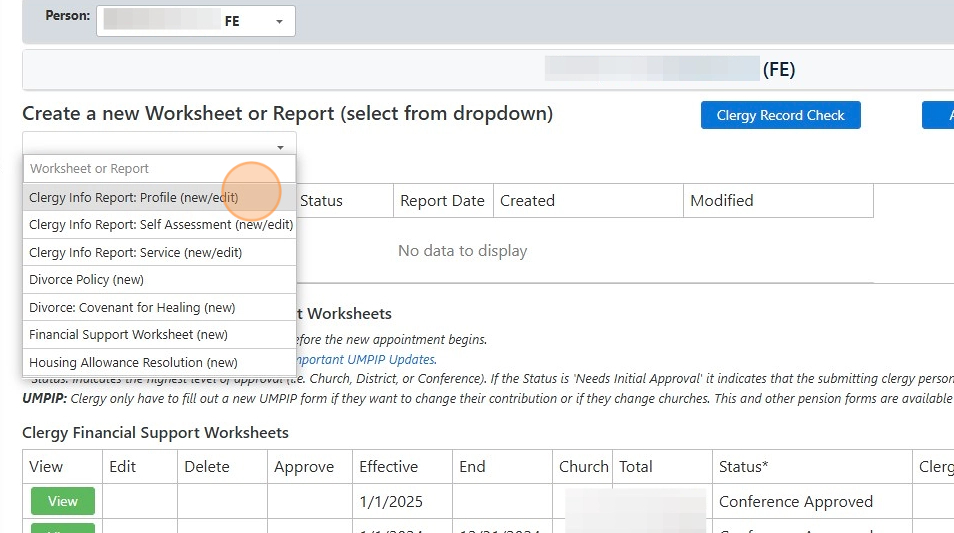
7. Review/add/edit existing or missing information as applicable on this form.

8. Scroll down to completely review/add/edit any pertinent information. Once you are done, click "Save" at the bottom of the form.

9. Once the above steps are complete, click the "Clergy Record Check" button on the "Main Index".

10. Review the information to ensure that it is correct. The information in these boxes may be corrected by completing the Clergy Info Profile Report again by following the steps above (5-8). The legal and previous name(s), personal, and spouse information do not automatically update. Conference Staff will review these changes and enter them manually. Preferred name(s), addresses, and phones do automatically update.

11. Scroll down to review Appointment, Compensation, Insurance and Pension, and Reimbursable/Spending Accounts (HSA/HRA/FSA(Medical Reimbursement)/DCA) information.
If any of this is not appearing as expected, please reach out to help@georgiaumc.org

Made with Scribe
Comments
0 comments
Article is closed for comments.