
1. Navigate to https://www.ngumc.org

2. Click "Log in"

3. Enter your email address used as your username, password, and then click "Login"

4. If Data Services asks for your Verification Code, enter the code emailed to you and click "Submit".

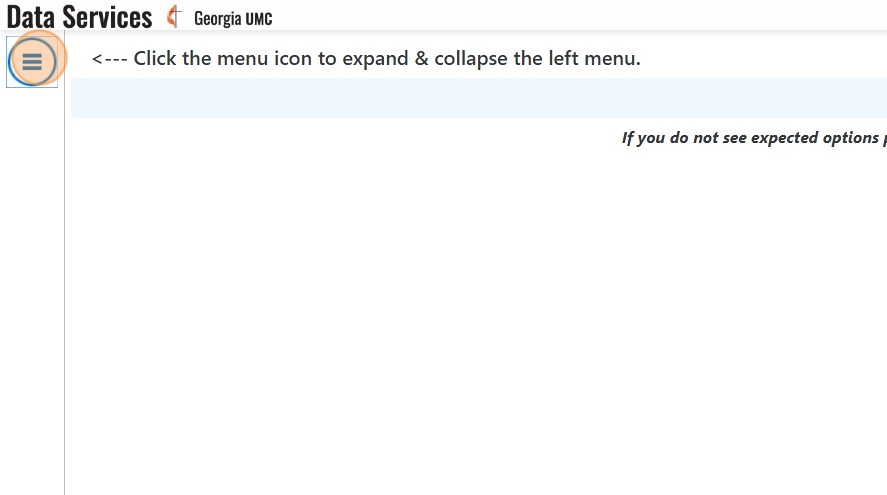
5. Click these three bars in the top left-hand side of the page if the left hand menu does not appear.
6. Click "Personal Benefits"
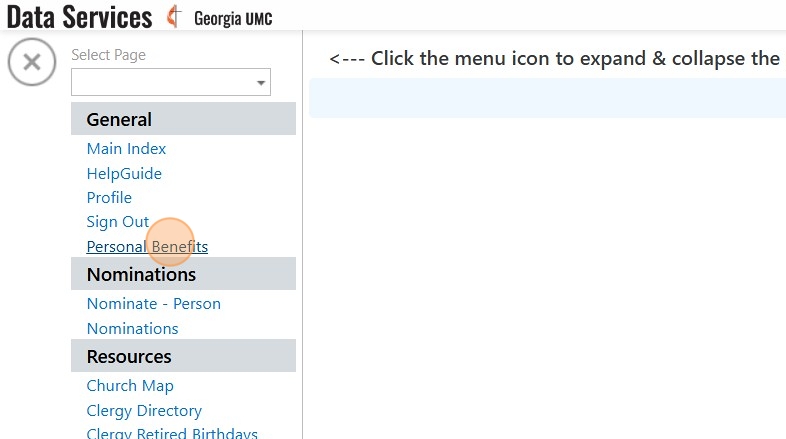
7. Click "Pay Invoice(s)"

8. Login to your Vanco account - OR- Create Your Online Profile
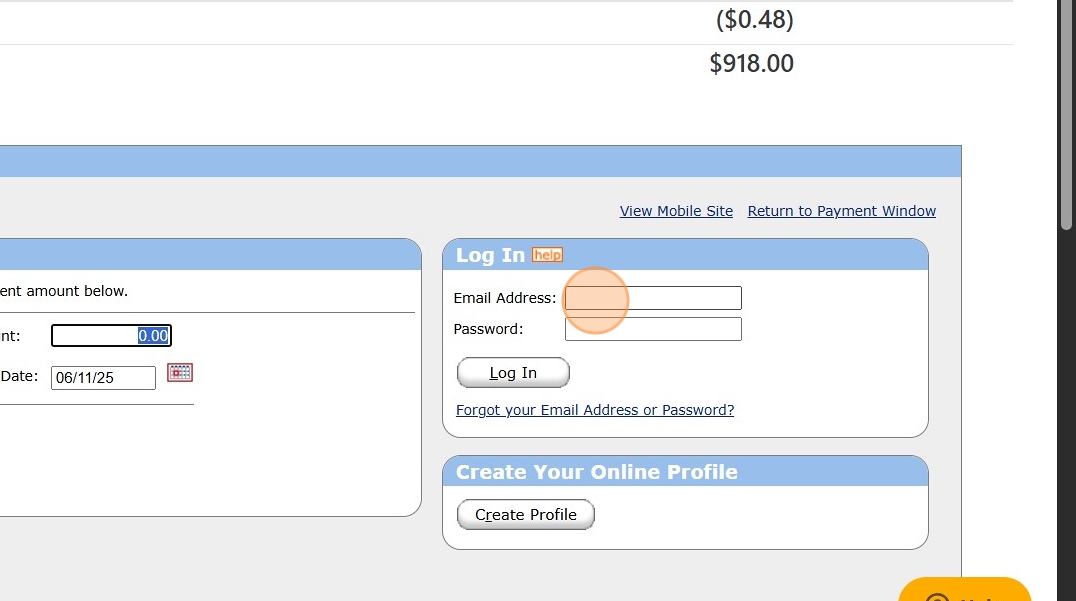
9. Click "Add Transaction"

10. Enter the monthly invoice amount and select the "Monthly" option.

11. Click the calendar icon to choose when you would like the payment to process each month.

12. Select the processing date from the calendar.

13. Click "Continue"

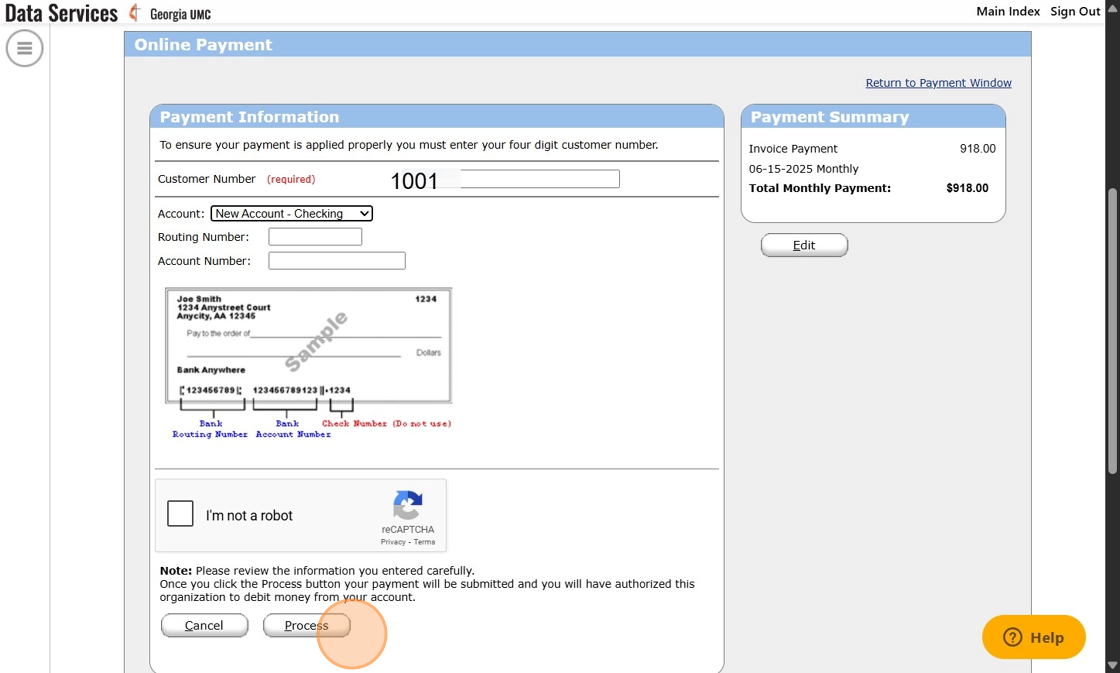
14. Enter your Customer Number...this is at the top of the screen next to the name of the account which is likely your name. John Wesley's, for example, is 1001. Once that is entered, choose how you would like to pay by selecting an option from the Account drop down menu

15. Click "Process" once you are ready to process the transaction.
Comments
0 comments
Please sign in to leave a comment.